Getting started on Bookmap
- 1Purchase and install through the Bookmap Marketplace.
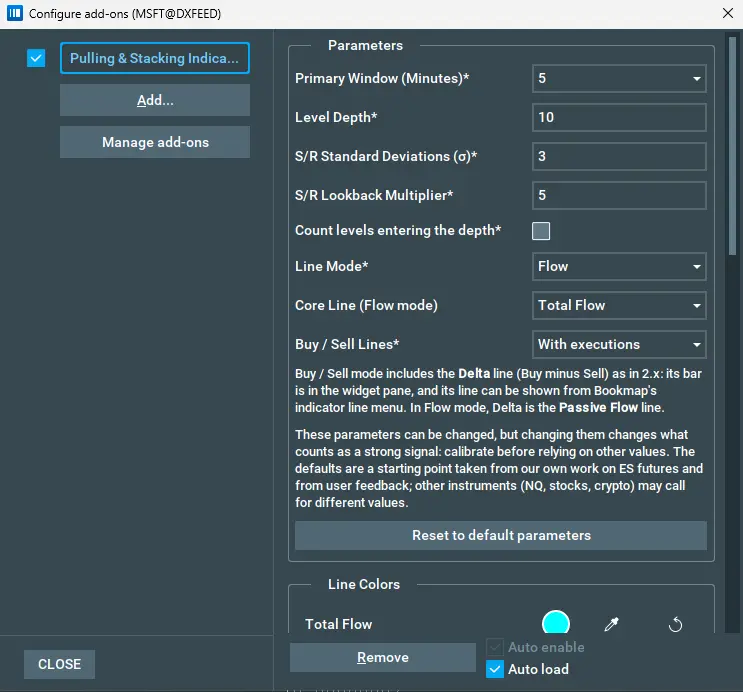
- 2In Bookmap: Settings → Api plugins configuration → Add, then enable Pulling & Stacking Indicator.
- 3Accept the Terms and Conditions in the indicator settings panel. The indicator produces no output until the terms are accepted, and a revised terms release is re-presented at launch.
- 4The flow panel appears below the heatmap. Expect a warm-up period before the σ band and readout are live; the lines plot at zero until the band is fully seeded.
CautionRequirements: depth-of-market (L2) data for the traded instrument, and replay speed 1 when using Bookmap replay.